The 3-2-1 Backup Framework: Never Lose Your Digital Estate Plan
Introduction to the Framework
Hello there! If you're reading this, you've taken an important step in securing your legacy by creating a digital estate plan. Whether you've used our free estate planning tools or another service, congratulations on thinking ahead for your loved ones. Now, let's talk about protecting that plan. Digital documents can disappear in an instant—hard drives fail, cloud services change, and passwords get forgotten. That's why we've developed the 3-2-1 Backup Framework specifically for estate planning documents.
This framework isn't just another tech tip; it's a simple, memorable system that ensures your will, trust documents, healthcare directives, and other critical files are always accessible to your executor or loved ones when needed most. Think of it as insurance for your digital legacy—because your thoughtful planning deserves to last.
Why This Framework Works
The 3-2-1 Backup Framework works because it addresses the most common reasons estate plans become inaccessible: single points of failure, technological obsolescence, and human error. Traditional backup advice often focuses on business data or personal photos, but estate documents have unique requirements—they need to be secure yet accessible, private yet available during emergencies, and preserved for decades.
Our framework adapts proven data backup principles to the specific context of estate planning. It balances security with practicality, ensuring that even non-technical family members can retrieve documents when necessary. By following this methodology, you create multiple layers of protection that guard against hardware failure, accidental deletion, natural disasters, and even changing technology standards.
What makes this approach particularly effective for estate planning is its focus on both digital and physical access points. Unlike backing up vacation photos, your estate documents need designated people to know they exist and how to access them. This framework builds that bridge between your digital files and the human beings who will need them.
The Framework Steps
Step 1: Create 3 Complete Copies
Your first step is to ensure you have three complete copies of your entire estate plan. This doesn't mean three versions or three partial sets—it means three identical, full collections of every document. Your primary copy is the working version you update regularly. The second and third copies are backups that should be updated whenever you make significant changes to your plan.
What constitutes a "complete" estate plan varies by individual, but typically includes:
- Will or trust documents
- Financial power of attorney
- Healthcare directives and living will
- List of digital assets and accounts
- Instructions for executors or trustees
- Funeral or memorial preferences
- Letters to loved ones
Each copy should contain all these elements in their most current form. We recommend creating a master checklist to verify completeness each time you update your backups.
Step 2: Store on 2 Different Media Types
Your three copies shouldn't all live on the same type of device. Different storage media have different vulnerabilities and lifespans. By diversifying, you protect against media-specific failures. We recommend combining:
-
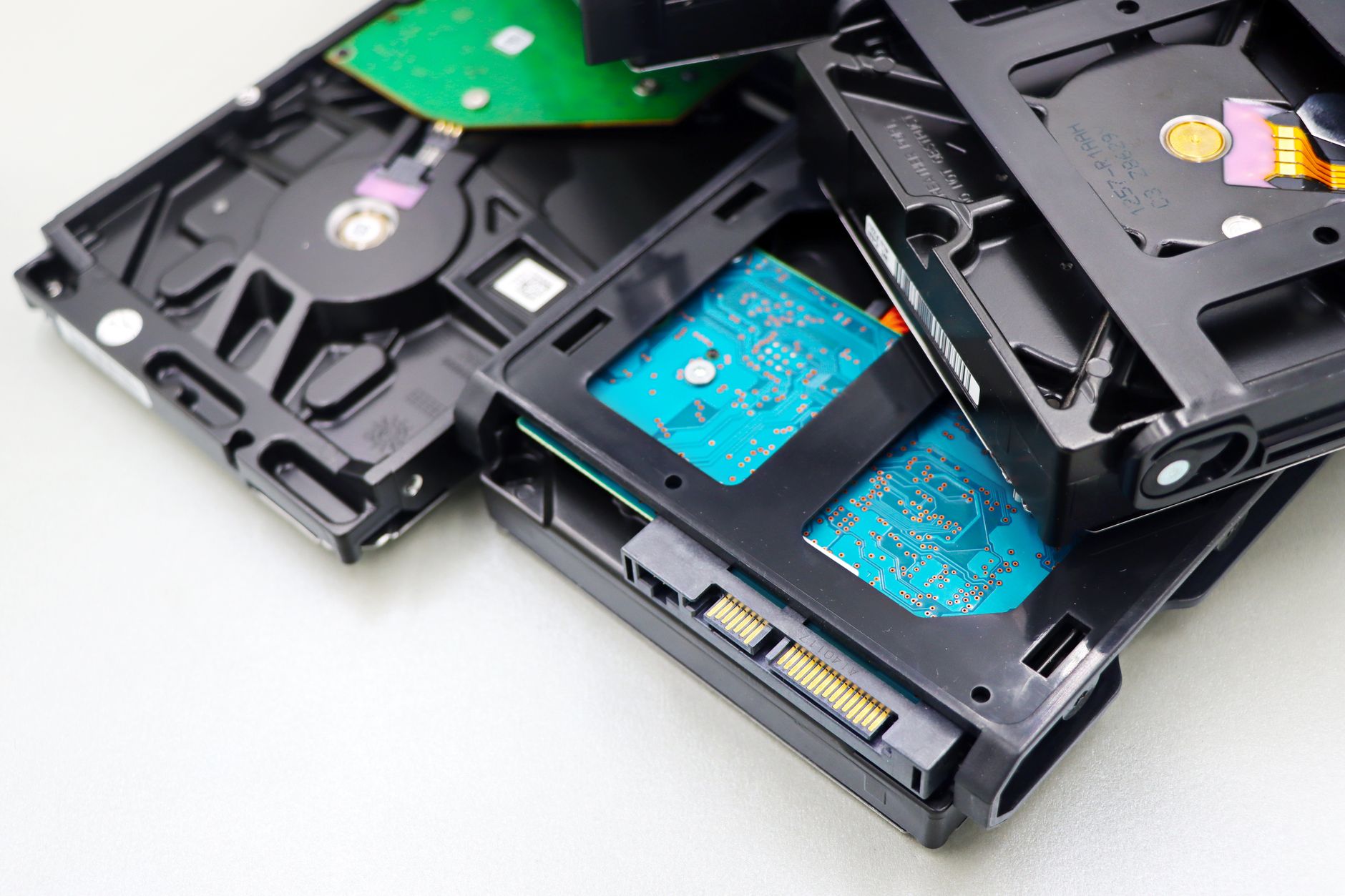
Local Digital Storage: This could be an external hard drive, USB flash drive, or your computer's internal drive. These are convenient for regular updates but vulnerable to physical damage, theft, or hardware failure.
-
Cloud Storage: Services like Google Drive, Dropbox, or specialized encrypted services provide off-site protection and accessibility from anywhere. Cloud storage protects against local disasters but requires internet access and careful password management.
-
Physical Printouts: While not "digital" in the strictest sense, having printed copies serves as both a backup and an accessibility solution for less tech-savvy family members. Quality paper in proper storage can last decades.
Here's a comparison of common storage options for estate documents:
| Storage Type | Pros | Cons | Recommended For |
|---|---|---|---|
| External Hard Drive | High capacity, fast transfers | Can fail mechanically, physical damage risk | Primary working copy, local backup |
| USB Flash Drive | Portable, inexpensive | Easy to lose, limited lifespan | Emergency access copy |
| Cloud Storage | Accessible anywhere, automatic sync | Subscription fees, internet dependency | Primary backup, sharing with executor |
| Encrypted Cloud | Enhanced security, often specialized for legal docs | May be less user-friendly, sometimes costly | Sensitive documents |
| Printed Copies | No tech required, tangible | Can degrade, bulky to store | Final instructions, healthcare directives |
Step 3: Keep 1 Copy Off-Site
At least one complete copy should be stored in a different physical location from the others. This protects against localized disasters like fires, floods, or theft that could destroy all your on-site backups. Your off-site copy could be:
- Cloud storage (automatically off-site)
- A safe deposit box at a bank
- With your attorney or estate planning professional
- With a trusted family member in another location
- In a fireproof safe at your office if you work away from home
The key is geographical separation. If your home becomes inaccessible, your estate plan remains available to those who need it.
Step 4: Document Access Instructions
This is the most overlooked but critical component of estate plan backup. What good are perfectly preserved documents if no one can find or open them? Create a separate "access guide" that includes:
- Location of all copies
- Passwords for encrypted files or cloud accounts
- Names and contact information of key people (executor, attorney, etc.)
- Instructions for updating the plan
- List of what documents exist and their purpose
Store this guide separately from your main documents but ensure your executor knows where to find it. Consider giving them a sealed envelope with just the access information.
How to Apply It
Now that you understand the framework, let's walk through implementation. We'll break this into a manageable process you can complete over a weekend.
Phase 1: Preparation (1-2 hours) Start by gathering all your estate planning documents in one place. Create a digital folder on your computer called "Estate Plan - Master" and scan any physical documents. Organize them logically—we suggest subfolders for legal documents, financial information, personal instructions, and digital assets. Use clear filenames like "Smith_Will_2024.pdf" rather than "document1.pdf."
Phase 2: Create Your Three Copies (2-3 hours)
- Copy 1 (Primary): This stays on your main computer in your "Estate Plan - Master" folder. Ensure it's backed up by your computer's regular backup system if you have one.
- Copy 2 (Local Backup): Save to an external hard drive or high-quality USB drive. Label it clearly with your name and "Estate Documents." Store it in a fireproof box or safe at home.
- Copy 3 (Off-Site Backup): Upload to a cloud service. We recommend creating a dedicated folder and using a strong, unique password. Consider sharing this folder with your executor or a trusted family member.
Phase 3: Create Your Access Guide (1 hour) Use our template below to document all access information. Print two copies—one for your records and one to give to your executor. Consider including a sealed emergency envelope with just the passwords and locations.
Phase 4: Regular Maintenance (15 minutes quarterly) Set calendar reminders to review and update your backups every three months or whenever you make significant life changes (marriage, birth, move, etc.). During each review:
- Verify all copies are identical
- Check that cloud storage is accessible
- Test that external drives still work
- Update your access guide if anything changes
Examples/Case Studies
Let's look at how this framework works in real situations.
Mini-Case Study: The Johnson Family Mark and Sarah Johnson used our free will creation tool three years ago. They saved their will on their home computer and printed a copy for their safe. When their house flooded last year, both were destroyed. Fortunately, Mark had implemented the 3-2-1 Framework six months earlier after reading about it. Their executor (Sarah's sister) was able to access their cloud backup immediately using the access guide they'd provided her. The Johnsons restored their documents within hours and learned a valuable lesson about off-site storage.
Their implementation looked like this:
- Three Copies: Computer hard drive (primary), external SSD in fireproof safe (local backup), encrypted cloud storage (off-site)
- Two Media Types: Digital files on computer/SSD and cloud, plus printed notarized copies with their attorney
- One Off-Site: Cloud copy automatically synced, plus attorney's physical copy
- Access Guide: Shared via password manager with executor, printed copy in safety deposit box
When disaster struck, Sarah's sister logged into their cloud account, downloaded the documents, and worked with their attorney to execute the will exactly as intended. The framework turned a potential catastrophe into a manageable inconvenience.
Common Mistakes to Avoid
Even with a good framework, people make predictable errors. Here are the most common pitfalls and how to avoid them:
Mistake 1: Setting and Forgetting Creating backups once and never updating them. Estate plans evolve—beneficiaries change, assets are acquired or sold, relationships shift. Solution: Schedule quarterly reviews in your calendar. Make updating backups part of your annual financial review routine.
Mistake 2: Overlooking Accessibility Having perfect backups that no one can access. Complex passwords, unfamiliar cloud services, or missing instructions can render backups useless. Solution: Create and maintain your access guide. Share it with your executor and consider a password manager with emergency access features.
Mistake 3: Ignoring Media Lifespan Assuming digital media lasts forever. USB drives degrade, cloud services shut down, file formats become obsolete. Solution: Every 3-5 years, migrate your backups to current media. Save files in standard formats like PDF that are likely to remain readable.
Mistake 4: Putting All Copies in One Place Keeping your external drive in the same drawer as your printed copies. A single disaster could destroy everything. Solution: Truly separate your off-site copy—different building, preferably different city.
Mistake 5: Forgetting About Digital Assets Backing up documents but not account information. Today's estate includes email, social media, cryptocurrency, and subscription services. Solution: Include a comprehensive digital asset inventory in your backups, with instructions for each account.
Templates/Tools
To make implementation easier, we've created these practical resources:
Estate Plan Backup Checklist Template Copy this into your preferred document editor and customize:
[Your Name] Estate Plan Backup System
Last Updated: [Date]

DOCUMENTS INCLUDED:
- [ ] Will/Trust: [filename/location]
- [ ] Financial POA: [filename/location]
- [ ] Healthcare Directives: [filename/location]
- [ ] Digital Asset List: [filename/location]
- [ ] Funeral Instructions: [filename/location]
- [ ] Letters to Loved Ones: [filename/location]
- [ ] Other: [list]

BACKUP LOCATIONS:
1. PRIMARY COPY:
   Location: [e.g., Home computer, Documents folder]
   Last Verified: [date]

2. LOCAL BACKUP COPY:
   Media: [e.g., External hard drive]
   Location: [e.g., Fireproof safe in home office]
   Last Verified: [date]

3. OFF-SITE BACKUP COPY:
   Media: [e.g., Cloud storage]
   Location: [e.g., Google Drive, shared with executor]
   Last Verified: [date]

ACCESS INFORMATION:
- Primary Computer Password: [hint or location]
- Cloud Service: [name]
- Cloud Login: [username]
- Cloud Password: [hint or location]
- External Drive Password: [if applicable]
- Attorney Contact: [name, phone, email]
- Executor Contact: [name, phone, email]

UPDATE SCHEDULE:
Next scheduled review: [date]
Update trigger events: [list life changes that require updates]
Recommended Tools While our platform provides free estate planning tools, you'll need backup solutions. Here are options at different price points:
| Tool Type | Free Options | Paid Options | Best For |
|---|---|---|---|
| Cloud Storage | Google Drive (15GB free), Dropbox Basic (2GB) | Google One, Dropbox Plus, pCloud | Off-site backup, sharing |
| External Storage | None truly free, but inexpensive USB drives available | Samsung T7 SSD, WD My Passport | Local backup, large files |
| Password Managers | Bitwarden (free tier) | 1Password, LastPass Families | Securely sharing access info |
| Document Scanners | Phone camera with Google Drive app | Fujitsu ScanSnap, Adobe Scan | Digitizing paper documents |
| Encryption Tools | VeraCrypt (open source) | Boxcryptor, Cryptomator | Extra security for sensitive docs |
Implementation Worksheet For those who prefer a worksheet approach, answer these questions:
- Where is your primary estate plan currently stored?
- What local backup media will you use? Where will you keep it?
- What off-site solution will you use? Who will have access?
- Who is your executor? Do they know about your plan and how to access it?
- When will you schedule your first backup review?
Remember, the perfect backup system is one you actually use and maintain. Start simple if needed—even having two copies on different media is better than one. The key is beginning the habit of protecting your digital legacy.
Your estate plan represents care for your loved ones and causes you believe in. By implementing the 3-2-1 Backup Framework, you ensure that care endures through technological changes, personal emergencies, and the passage of time. It's a final gift of clarity and peace of mind—one that honors the effort you've put into planning.
Need help creating or updating your estate documents? Explore our free tools designed with simplicity and security in mind. And if you're supporting charitable causes through your estate plan, learn about our nonprofit partnerships that can amplify your impact.